Can McGraw Hill see if you copy and paste?
McGraw Hill documents no copy and paste log on homework. It blocks copying instead.
- The Connect quiz page turns off the right-click menu in its page code.
- SmartBook's question text blocks cut, copy and paste.
- In the code we read, the SmartBook block only stops the copy. We saw no report of it.
- On proctored exams, Proctorio's browser lock helps prevent copying, and the session can be recorded.
Our pickCanvas Quiz Solver reads the question in the page and shows the answer under it. Nothing to copy, nothing to paste.
Add to Chrome - freeThe short answer
McGraw Hill blocks copying more than it tracks it. We found no McGraw Hill help page that says Connect or SmartBook logs a copy or a paste, and none that shows such a report to instructors. So the honest line is: McGraw Hill does not document this.
What it does do is stop you. On Connect quiz pages the right-click menu is off. On SmartBook the question text refuses cut, copy and paste. On a proctored exam, McGraw Hill says the browser lock helps prevent students from opening other websites, applications, copying, printing, or navigating away.
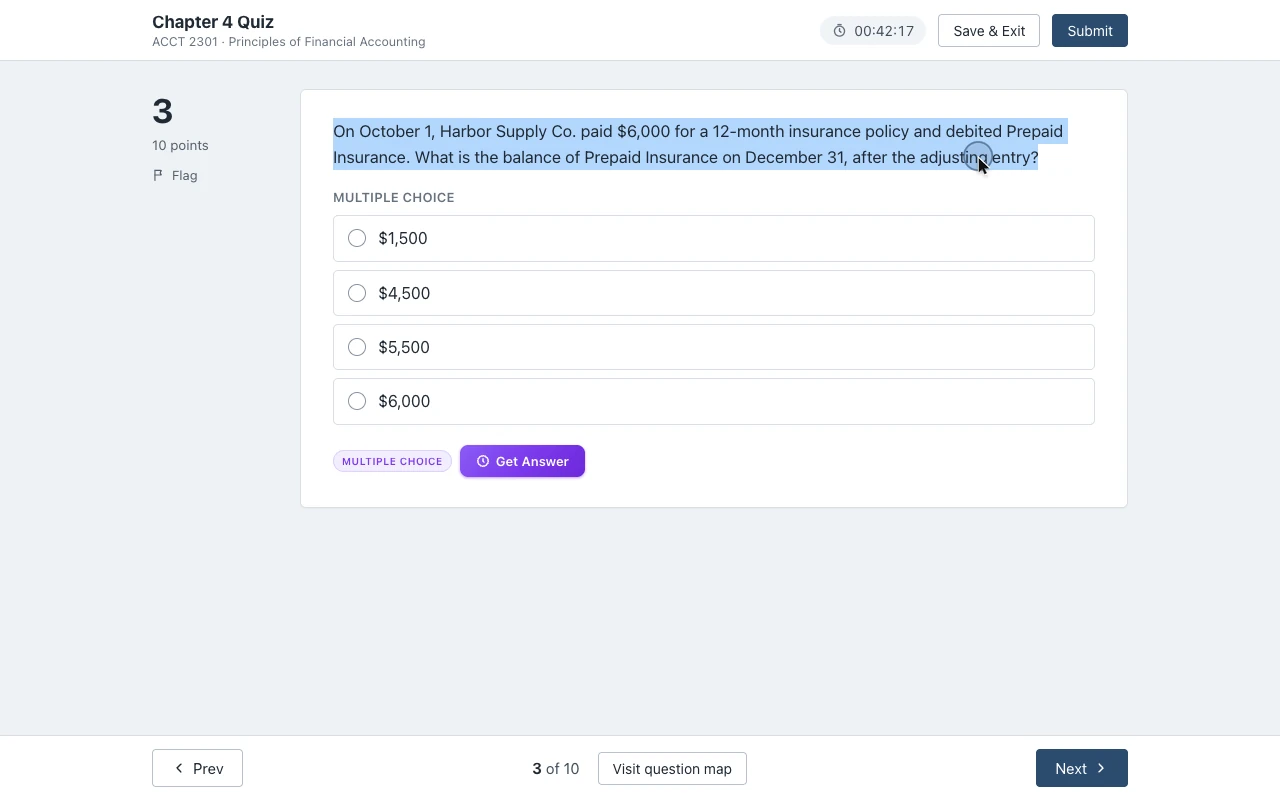
Copying was only ever a step toward the answer. Canvas Quiz Solver skips it: it reads the question in the McGraw Hill page and shows the answer right under it. You pick the answer and you submit.
Why you cannot copy on Connect quiz pages
You cannot right-click on a Connect quiz because the page itself switches the menu off. The Connect question player page starts with <html lang="en" oncontextmenu="return false">. That one attribute cancels the right-click menu everywhere on the page. It is there on every quiz, proctored or not, so a dead right-click does not mean you are being watched.
SmartBook goes further. In the SmartBook main code file, the question text component listens for cut, copy and paste and cancels all three. The handler only stops the action. In that file it sends nothing anywhere, so the block itself is not a report. Other code on the page could still log events, and McGraw Hill does not document either way.
The eBook is a separate case. McGraw Hill offers a self-print feature in select eBooks that turns a chapter into a printable PDF. McGraw Hill does not document a copy limit for the eBook on the help pages we checked.
The usual workarounds and their cost
Every workaround works around the block, and each one costs time or takes you out of the page.
- Typing the question out. It always works, but it is slow, and math, symbols and long stems turn into typos.
- A screenshot and an AI app. You snip the question, upload it and wait. That is a second app and a second window for every question. (Whether McGraw Hill sees it: can McGraw Hill detect screenshots?)
- A second tab with a search or a chatbot. It is slow, and on a timed quiz slow is costly. On a proctored exam with force full screen, McGraw Hill says leaving gives you 30 seconds, 15 seconds or no time before you are removed.
Tricks that edit the page code to turn copying back on are out of scope here. They are fragile, they break when McGraw Hill updates the page, and you still end up in a second tab.
No copying needed: the answer in the page
The way out of the copy problem is to never copy at all.
Canvas Quiz Solver is a Chrome extension that shows the answer inside the McGraw Hill page, right under the question. In SmartBook it sits above the High, Medium and Low confidence buttons. You stay in the same tab, so there is no copy, no paste, no screenshot and no second tab. You read the answer, you pick it, and you submit. It never fills in, clicks or submits anything for you.
McGraw Hill support is in beta. It works on Connect assignments and quizzes in the question player and on SmartBook: multiple choice, true or false, check all that apply, fill in the blank, numeric, matching, ranking and ordering, plus short answer and essay on Connect. Connect worksheets, the accounting tool, external tools, surveys and uploads are not supported yet, and it says so on the question. Answers come from AI and can be wrong, so check the ones that count. It uses the same account and plan as on Canvas.
The first time, open the assignment, click the extension icon and tap "Keep it on for this site". Chrome asks once, and after that it is on for every assignment there.
It does not run on proctored exams. On a Proctorio exam the popup says "Not available on proctored exams." and nothing shows on the page.
Sources we checked
Every fact about what McGraw Hill sees comes from McGraw Hill's own pages or its own public page code. We checked each one on 2026-10-21.
- Connect question player page and its main code file (McGraw Hill, ezto.mheducation.com)
- SmartBook main code file (McGraw Hill, learning.mheducation.com)
- Remote Proctoring & Browser Locking for Online Testing (McGraw Hill)
- McGraw Hill Connect + Proctorio Student User Guide (McGraw Hill, PDF)
- Self-Print from a McGraw Hill eBook (McGraw Hill)
Common questions
Why does copy and paste not work on McGraw Hill?
Because the pages block it on purpose. The Connect quiz page turns off the right-click menu in its page code, and the SmartBook question text cancels cut, copy and paste. It is a page setting, not a sign that you are being watched.
Can you not copy and paste from McGraw Hill anymore?
Not from Connect quiz pages with a right-click, and not from SmartBook question text. McGraw Hill offers self-print in select eBooks, which turns a chapter into a PDF. It does not document a copy limit for the eBook on the help pages we checked.
Does McGraw Hill show copy and paste?
McGraw Hill does not document a copy and paste report for instructors in Connect or SmartBook. In the SmartBook code we read, the copy block only cancels the action and sends nothing. On a proctored exam, Proctorio can record your screen if the instructor turns that on.
How do I know if McGraw Hill is recording me?
Recording only happens on proctored assignments. McGraw Hill says they show a Proctoring Enabled label, and Proctorio asks for camera, microphone or screen sharing access before you start. If the instructor turns on record screen, you see a message that Proctorio is sharing your screen.
Can teachers detect if you copy and paste?
On McGraw Hill homework and SmartBook, McGraw Hill does not document any way for them to. On a proctored exam, the browser lock helps prevent copying, and the session can be recorded if the instructor turns that on.
Skip the copy. See the answer under the question.
Canvas Quiz Solver shows the answer inside Connect and SmartBook. You stay on the page, you pick, and you submit.