Can McGraw Hill see if you take a screenshot?
On homework, quizzes and SmartBook, McGraw Hill documents no screenshot detection. On a "Proctoring Enabled" exam, Proctorio can record your whole screen.
- A screenshot is taken by your computer, outside the web page. The page gets no signal that it happened.
- McGraw Hill's instructor reports show score, attempts and time spent. They list no screenshot log.
- We read the code of both McGraw Hill question players and found no screenshot key listener.
- On a proctored exam, Proctorio can record the screen, disable printing and block a second display.
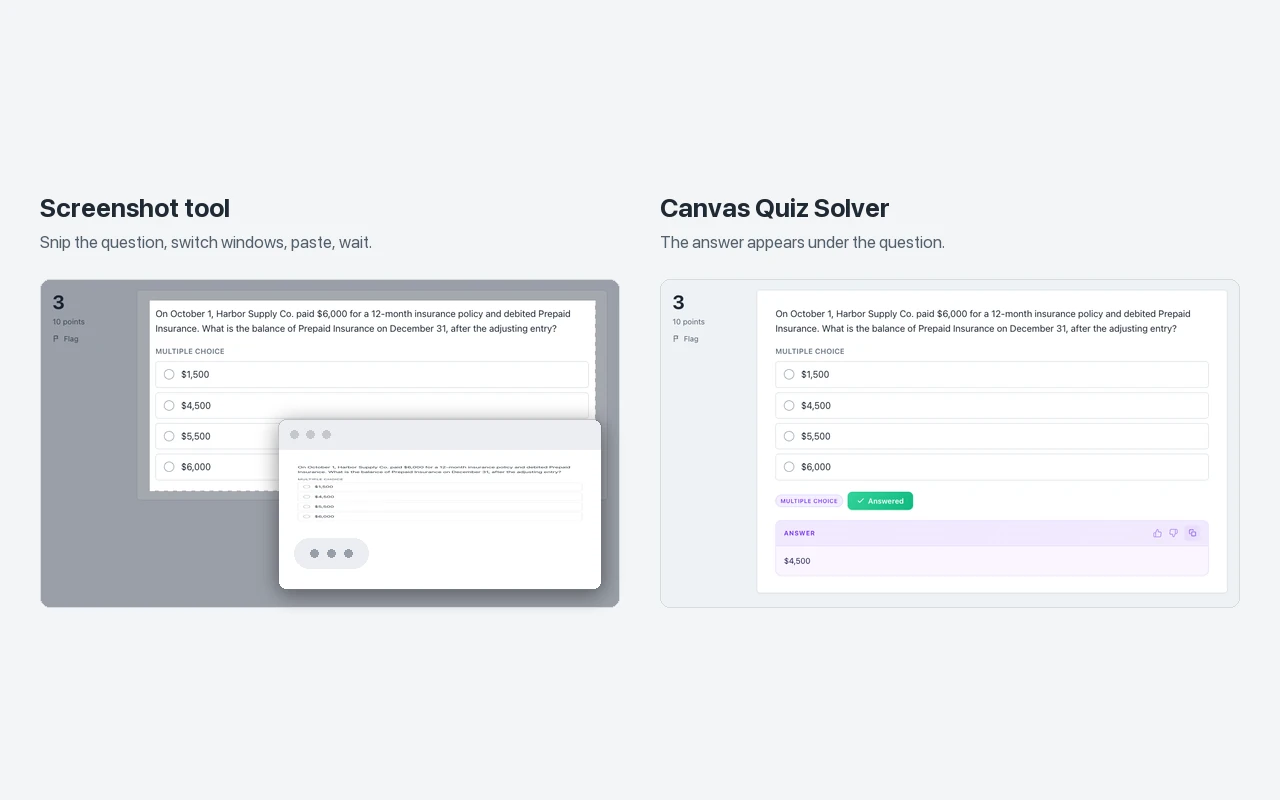
- The screenshot route is slow: snip, paste, wait, switch back. That time shows in your reports.
Our pickCanvas Quiz Solver works on McGraw Hill Connect and SmartBook (beta). It reads the question on the page and shows the answer under it. No screenshot, no second tab, and you pick the answer yourself. It stays off on proctored exams.
Short answer
No McGraw Hill help page says that Connect or SmartBook can detect a screenshot. A screenshot is made by Windows, macOS or ChromeOS, and a normal web page is not told when you press the keys or drag the Snipping Tool.
Proctored exams are the exception. McGraw Hill uses Proctorio for remote proctoring in Connect, and one Proctorio setting records your screen. The screenshot itself is not flagged, but everything on your screen is on the recording.
On homework, quizzes and SmartBook
What your instructor sees on a normal assignment is a gradebook with timing. McGraw Hill's Connect reports guide lists your score, when you started and finished, the number of attempts and the total time spent. The SmartBook reports guide adds time on questions and the confidence you picked. Neither guide lists screenshots, and McGraw Hill does not document a screenshot log anywhere else we looked.
Help pages can leave things out, so we also read the code. Both McGraw Hill question players are public web apps, and their code downloads without a login. This is what the builds we read contain:
| Player | Screenshot or print | What it does block |
|---|---|---|
| Connect question player (build of August 2026) | No listener for the Print Screen key. No code that watches print events or tab visibility. | The right-click menu on quiz pages. |
| SmartBook (build of 2026-10-13) | No listener for the Print Screen key. It watches tab visibility in two places only: a due-date timer and a page speed library. | Cut, copy and paste on the question. |
Code can change with any update, so read this as what those builds do, not as a promise for every course. The players care about copying, not about pictures of the screen. For the copying side, see can McGraw Hill see if you copy and paste?
A screenshot leaves no record, but the time does. If each question takes a snip, a paste and a wait, the time spent climbs. A long gap on every question is the kind of pattern an instructor can spot in a report, as our detect cheating guide explains.
On a proctored exam (Proctorio)
A proctored assignment says so before you start. The Connect and Proctorio student guide shows a "Proctoring Enabled" label in the name and a shield icon in the list. What we know about that label is in what does Proctoring Enabled mean?
On those exams, each screen setting is the instructor's choice. McGraw Hill's Proctorio features breakdown and its settings checklist list these:
- Record screen: "Captures the student's desktop during the entire assessment". You share your screen at the start and see a "Proctorio is sharing your screen" message. The student guide says that if the instructor does not require it, "you will not see this prompt".
- Disable printing: "Prevents students from printing the assessment".
- Only one screen: "Prevents students from having multiple monitors".
- Force full screen: you cannot reach other apps during the exam.
- Disable clipboard: "Blocks students from using copy, cut and paste".
- Record web traffic: "Records any web page visited during the assessment".
Some instructors use Tegrity instead. A McGraw Hill blog post for instructors says Tegrity, a recording feature inside Connect, "records the student's webcam (audio and video) as well as a recording of what is on their screen". Either way, you start the recording yourself, so you know it is on.
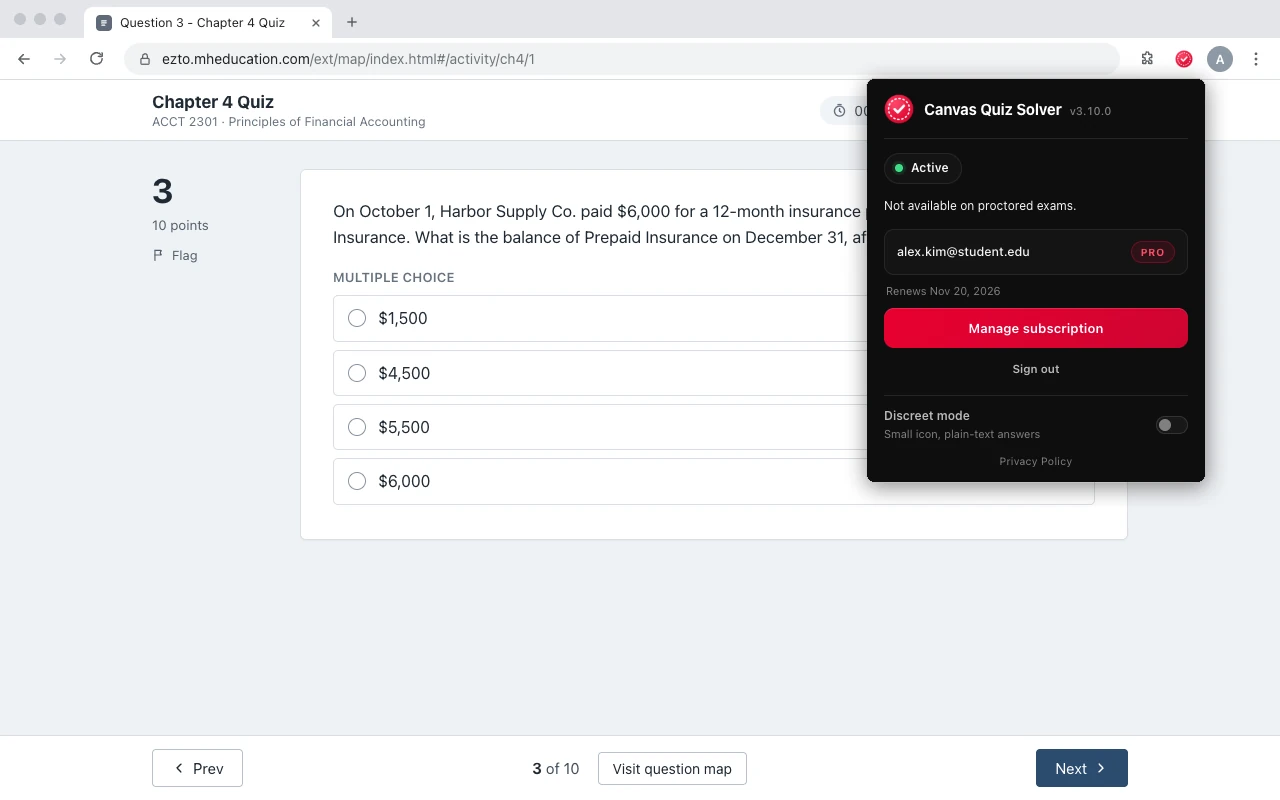
Canvas Quiz Solver does not run on proctored exams. When it sees a proctoring tool such as Proctorio, the popup says "Not available on proctored exams." and nothing shows on the page.
Google Lens and phone photos
Google Lens and Gemini in Chrome run in Chrome's own interface, not inside the McGraw Hill page. The page is not told what Lens reads. One side effect exists: the side panel makes the page narrower, and any page can notice a change in its width. McGraw Hill does not document a check for this.
A phone photo of your screen is invisible to any web page. On a proctored exam with webcam recording, the camera can show you holding a phone, and the checklist has an environment scan at the start or at random times.
For what McGraw Hill says about AI tools in general, read can McGraw Hill detect AI?
Why the screenshot route is slow
Most students screenshot a question to ask an AI about it. Every question then costs the same steps:
- Snip the question with the screenshot keys.
- Switch to a chatbot tab or app and paste the picture.
- Wait for the answer, then read it.
- Switch back and find the matching option in the list.
That is two window switches per question. Leaving the tab is a separate worry, covered in can McGraw Hill detect switching tabs? On a SmartBook with fifty questions, the steps also add up to real time, and SmartBook reports time on questions.
Skip the screenshot: the answer in the page
Canvas Quiz Solver is a Chrome extension that reads the question text on the McGraw Hill page and shows the answer right under it. It takes no screenshot and opens no second tab. On SmartBook, the answer sits above the High, Medium and Low confidence buttons.
- No screenshot, no second tab. It reads the text on the page, and the answer appears in the tab you are in.
- You stay in control. It never clicks, types or submits. You pick the answer and submit it.
- Off on proctored exams. It shows "Not available on proctored exams." and does nothing there.
It works on Connect assignments and quizzes and on SmartBook, in beta. Connect types: multiple choice, true or false, yes or no, check all that apply, fill in the blank, numeric, matching, ranking, short answer and essay. SmartBook types: multiple choice, true or false, multiple select, fill in the blank, matching and ordering. Connect worksheets, the accounting tool, external tools such as virtual labs, file uploads and the older Connect player are not supported yet, and it says so on the question.
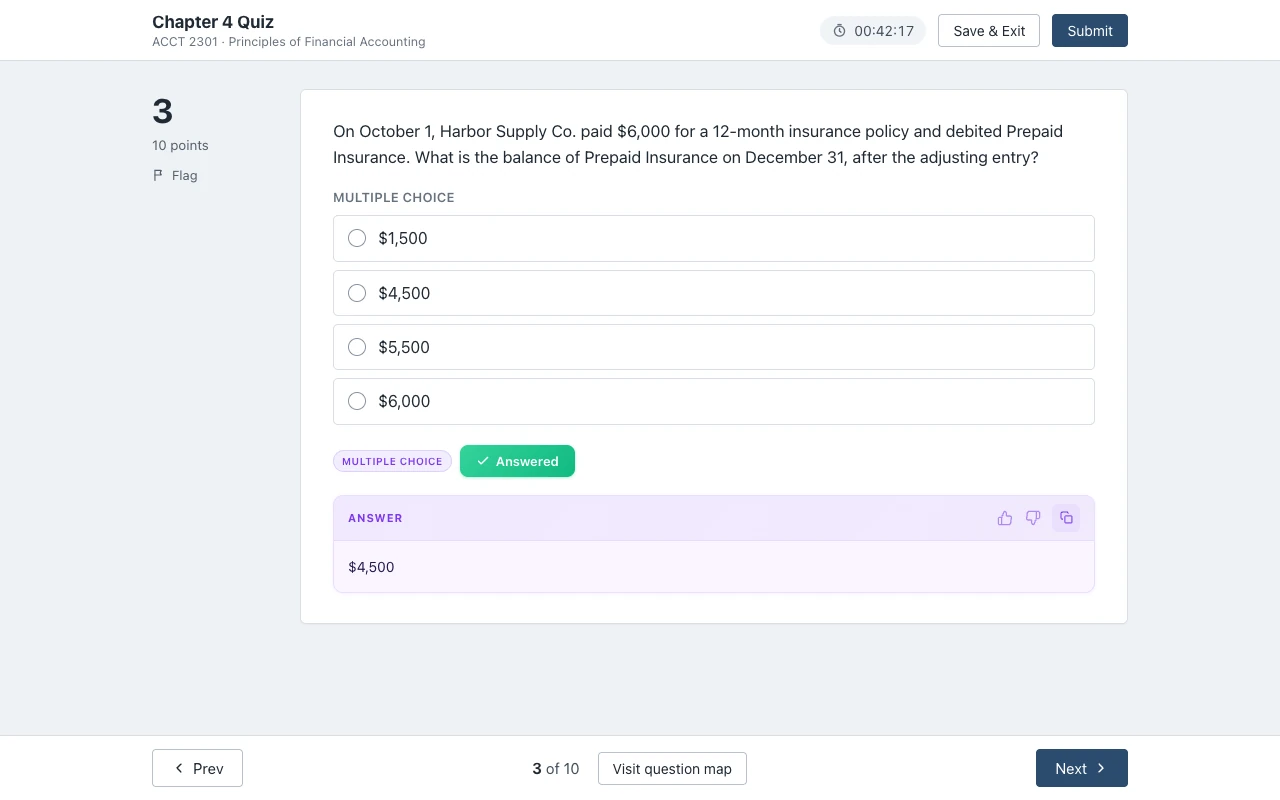
Answers come from AI and can be wrong, so check the ones that count. Setup is one step: open an assignment, click the extension icon and tap "Keep it on for this site". It is the same account and plan as on Canvas. You get free answers to try, and Unlimited is $14.99 a month.
Sources we checked
- Connect Reports: Assignment Results, Student Performance, At-Risk Students (McGraw Hill, PDF), checked 2026-10-21
- SmartBook Reports in Connect (McGraw Hill, PDF), checked 2026-10-21
- McGraw Hill Connect + Proctorio Student User Guide (McGraw Hill, PDF), checked 2026-10-21
- Proctorio Features Breakdown (McGraw Hill, PDF), checked 2026-10-21
- Proctorio Settings Checklist (McGraw Hill, PDF), checked 2026-10-21
- How Online Proctoring Can Prevent Cheating (McGraw Hill blog), checked 2026-10-21
- Connect question player (McGraw Hill, app code of August 2026) and SmartBook player (McGraw Hill, app code of 2026-10-13), read 2026-10-21
On Canvas instead? See can Canvas see screenshots?
Common questions
Can McGraw Hill see if you screenshot?
McGraw Hill does not document screenshot detection on homework, quizzes or SmartBook. A screenshot is taken by your computer, outside the web page, and the page gets no signal. On a proctored exam, Proctorio can record your screen if the instructor turns that setting on.
Does McGraw Hill Connect know if you use the Snipping Tool?
Not on a normal assignment, as far as McGraw Hill documents. The Snipping Tool and the Mac screenshot keys run outside Chrome. On a Proctoring Enabled exam with screen recording, the recording shows everything on your screen, the Snipping Tool included.
Can McGraw Hill detect Google Lens?
McGraw Hill does not document this. Google Lens runs in Chrome's own interface, not inside the McGraw Hill page. The side panel makes the page narrower, which a page could notice, but no McGraw Hill guide describes a check for it.
Does McGraw Hill notify your teacher when you take a screenshot?
No McGraw Hill guide describes a screenshot alert. Instructor reports show your score, attempts and time spent. SmartBook reports also show time on questions.
Can you take a screenshot on a proctored McGraw Hill exam?
It depends on the settings. Proctorio can record your screen, block a second display and force full screen, so any screenshot tool you open would be on the recording. Canvas Quiz Solver turns itself off on proctored exams.
Is there a faster way than screenshotting each question?
Yes. Canvas Quiz Solver reads the question on the page and shows the answer under it, in the same tab. You pick the answer and submit it yourself.
Skip the screenshot. Get the answer in the page.
The answer shows under the question you are on. You pick it, you submit it. Start free.